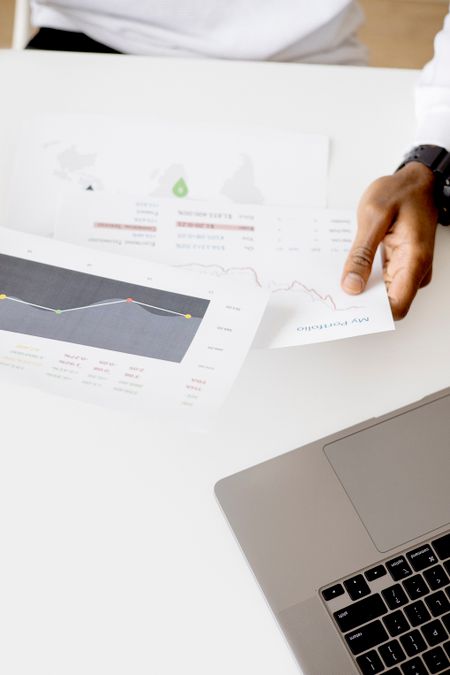
Data without understanding is just noise. QR Ad Studio's analytics dashboard gives you powerful insights into how your QR codes perform. Here's how to read the data and take action.
Key Metrics That Matter
Focus on these metrics:
- Total Scans — Overall reach of your QR code
- Unique Scans — Individual users (not repeat scans)
- Scan-to-Action Rate — % who took the desired action
- Peak Hours — When most scans happen
- Device Split — iOS vs Android for optimization
Reading the Location Map
The geographic data tells you where your QR codes get the most engagement. If you have QR codes in multiple locations, compare performance to identify top-performing placements.
Time-Based Analysis
Understanding when customers scan helps you optimize. Restaurant menu QR codes peak at lunch (12-2 PM) and dinner (7-9 PM). Retail QR codes peak on weekends. Use this data to time your promotions.
📊 Set up weekly analytics reports via email. Consistent monitoring helps you spot trends early and react before campaigns underperform.
In QR marketing, the best campaigns are not the ones you launch — they're the ones you optimize.
